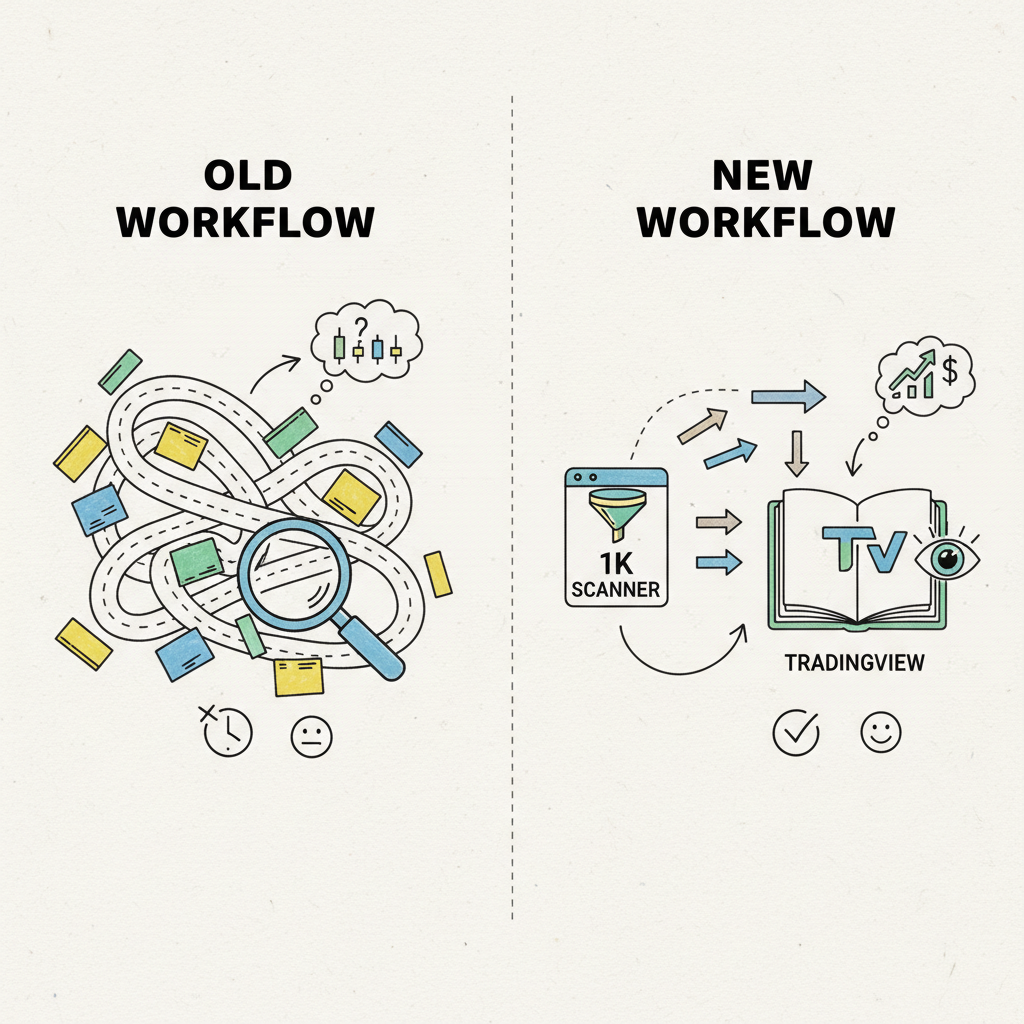
If You’re Good at TradingView, Start with 1K Scanner First: Split Discovery from Deep Analysis
Why strong TradingView users should run discovery in 1K Scanner first, then hand off only high-value candidates for deep analysis.
Even experienced TradingView users have days like this: analysis was solid, but the real movers were discovered too late.
The issue is usually not weak analysis. It is a slow pre-analysis step: deciding what deserves attention first. 1K Scanner is designed to remove that front-end bottleneck.
1) Why entries are late even when analysis quality is high
In manual routines, the same pattern repeats:
- endless tab switching through similar charts
- fallback to familiar symbols only
- late recognition of group rotation and sector spread In that flow, TradingView is not the problem. Time is already spent before deep analysis even starts.
2) A split workflow: 1K Scanner first, TradingView second
This is not replacement. It is role separation:
1K Scanner: fast discovery and candidate compression
TradingView: deep analysis and execution judgment A practical loop looks like this:
Scan the market in 1K Scanner using grid layouts (1x1 to 6x6) and templates.
Narrow candidates with signal borders, multi-timeframe alignment, and CheckNote (V key).
Open only shortlisted charts in TradingView instantly via G key. You stop “analyzing everything deeply” and start “analyzing only high-value candidates deeply.”
3) What changes in daily execution
The improvement is not only speed:
- coverage: familiar watchlist bias → broader market discovery
- focus: tab-switch fatigue → keyboard-flow continuity
- judgment quality: single-chart attraction → candidate-first discipline You do not use TradingView less. You use it at higher-leverage moments.
4) A 10-minute routine you can apply today
- first 3 min: compress market-wide candidates in 1K Scanner
- next 4 min: remove symbols with multi-timeframe conflict early
- last 3 min: deep-dive only G-key handoff candidates in TradingView This alone reduces days where “you analyzed a lot but still felt late.”
Closing
If you already analyze well in TradingView but still discover late, the bottleneck is likely discovery—not analysis skill.
1K Scanner is not a TradingView replacement. It is the front-end engine that answers what to look at first, so your TradingView time is spent where it matters most.